 Nov 11, 2025 - 0
Minutes read
Nov 11, 2025 - 0
Minutes read
Consumer Cellular Setup Guide
Learn how to set up your Consumer Cellular service step by step. This guide explains SIM card installation, device activation, and simple setup instructions so you can quickly start using your Consumer Cellular phone and mobile plan without confusion.
Consumer Cellular Setup Guide
Setting up a new mobile service can feel complicated, especially if you are switching carriers or using a new device. Fortunately, the Consumer Cellular setup process is designed to be simple and beginner-friendly. Whether you purchased a phone from Consumer Cellular or brought your own compatible device, the setup process usually takes only a few minutes.
Consumer Cellular focuses on providing easy mobile solutions for customers who want affordable service without complicated technical steps. By following a few basic instructions, you can install your SIM card, activate your device, and begin using your phone right away.
This Consumer Cellular SIM guide will walk you through the main steps required to complete your setup.
SIM Card Installation
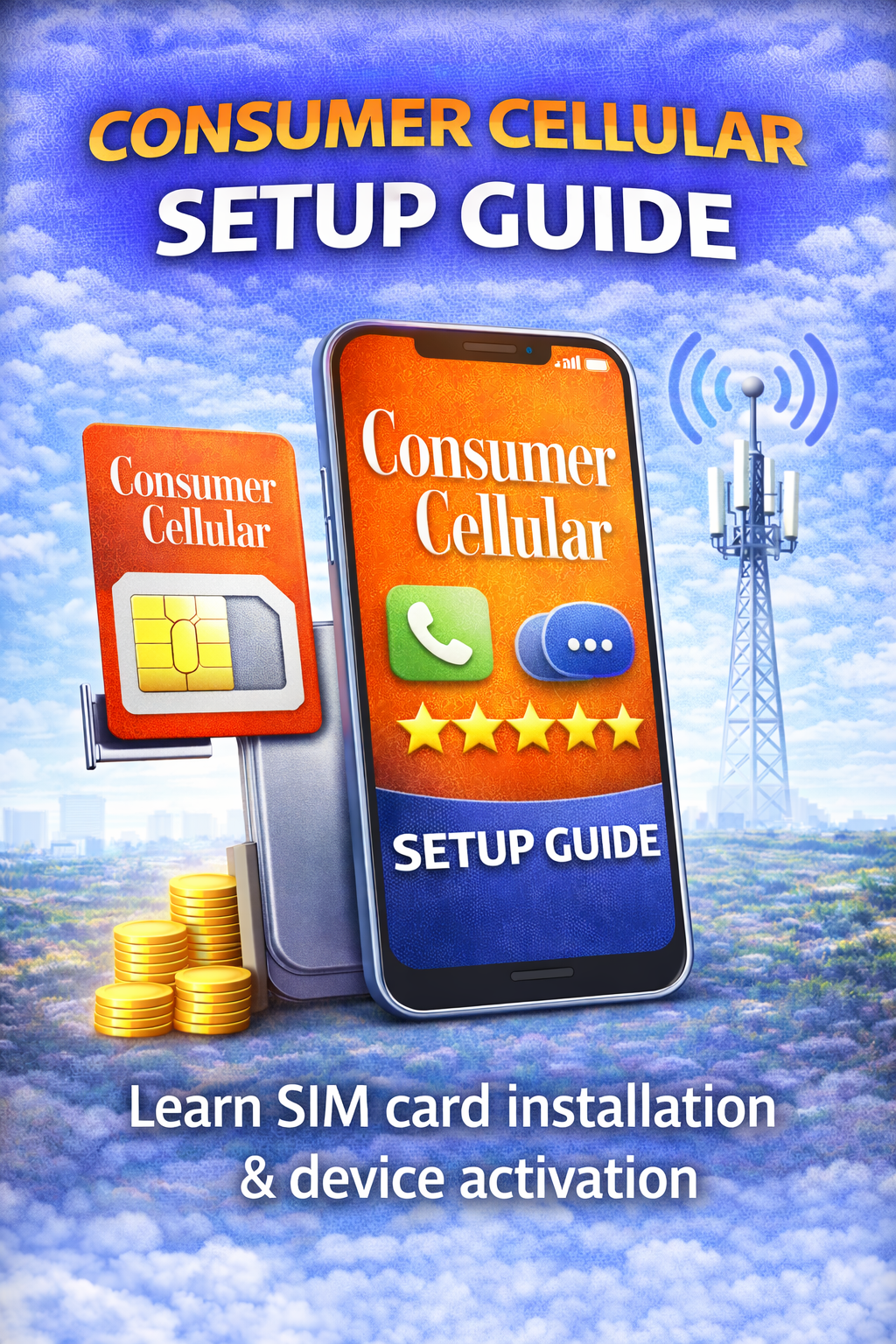
The first step in the setup process is installing the Consumer Cellular SIM card into your phone. The SIM card connects your device to the mobile network and allows you to make calls, send messages, and use mobile data.
Most smartphones have a small SIM card tray located on the side of the device. To insert the SIM card, you will usually need a SIM eject tool or a small pin.
Follow these steps:
Turn off your phone before installing the SIM card.
Insert the SIM eject tool into the small hole on the SIM tray.
Remove the tray carefully and place the Consumer Cellular SIM card into the slot.
Insert the tray back into the phone and power the device on.
Once the phone restarts, it should begin searching for the network automatically.
Device Activation
After installing the SIM card, the next step is activating your device. Activation connects your phone number and service plan to the Consumer Cellular network.
There are several ways to complete Consumer Cellular activation:
Activate online through the Consumer Cellular website
Call Consumer Cellular customer support
Follow the activation instructions included with your SIM kit
During activation, you may need to provide some basic information such as your phone number, account details, or device identification number.
Once the activation process is completed, your phone should connect to the network and display signal bars.
Completing the Setup
After activation, your phone should be ready to use. However, there are a few quick checks you can perform to make sure everything is working correctly.
Try making a test phone call, sending a text message, and opening a webpage using mobile data. If these features work normally, your setup is complete.
If you experience any issues, restarting the phone or checking your network settings may help resolve the problem. Consumer Cellular also offers customer support to assist with setup questions if needed.
Final Thoughts
The Consumer Cellular setup process is designed to be simple and accessible for all users. By following this Consumer Cellular SIM guide, you can install your SIM card, activate your device, and begin using your mobile service within minutes.
With straightforward setup instructions and reliable support, Consumer Cellular makes it easy for new customers to get connected quickly and start enjoying their mobile plan.